
Quick answer
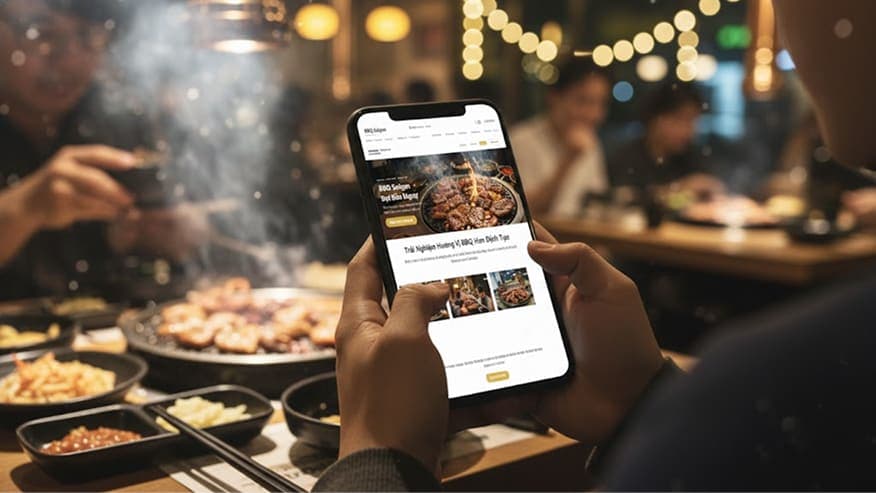
When a customer opens a restaurant website, they should get answers to four questions without much scrolling: what the restaurant serves, roughly what it costs, where it is and when it opens, and how to book a table. Put these four things on the first screen on mobile, and leave the rest, such as the brand story or private events, further down.
Key takeaways
- The first screen on mobile matters most: signature dishes, price range, address, opening hours and a booking button.
- The menu must be readable text with prices, not just a photo of the printed menu.
- Keep the booking form short: date, time, party size and phone number. State that the restaurant will call or message on WhatsApp to confirm.
- Information on the website must match Google Maps and your Facebook Page, especially opening hours and phone number.
Why do customers visit a restaurant website?
Most customers open a restaurant website when they already know the name: they saw it on Google Maps, someone recommended it or they came across a post. They don't want a long introduction. They are quickly checking whether the place fits their next meal.
So an effective restaurant website helps customers decide fast and get in touch easily. It doesn't need the most animations.
What should the first screen on mobile contain?
- A photo of a signature dish or the real dining space. Don't use stock photos from the internet.
- One line saying what the restaurant serves: “Mushroom hotpot and charcoal grill”, “Home-style cooking” and so on.
- A rough price range, for example the usual spend per person.
- A short address and today's opening hours.
- A “Book a table” button and a call or WhatsApp button that stay visible while scrolling.
How should the menu be presented?
| Do | Avoid |
|---|---|
| Group dishes: starters, mains, hotpot, drinks and so on | One long list with no groups |
| A text menu with a price for each dish | Only a photo of the printed menu (hard to read, can't zoom) |
| Note portion size or how many people larger dishes serve | Making customers guess how many people a dish feeds |
| Real photos for bestsellers | Internet photos that don't match the real dish |
| Show the date prices were last updated | Old prices that nobody fixed after a price increase |
Reservations: form, phone call or WhatsApp?
Most small and mid-sized restaurants don't need an automated booking system. A short form that sends requests to the restaurant's WhatsApp or email, plus a call button, is enough for the restaurant to confirm proactively and arrange seating.
- The form only asks for: date, time, party size, name, phone number and a note (birthday, high chair and so on).
- After submission, say something like “We'll call or message you on WhatsApp within 30 minutes to confirm”, and do exactly that.
- For parties and large groups, add a separate section with set menus and the capacity of each area.
- If you need table management or online deposits, that is separate software. Keep it apart from the introduction website.
How should a restaurant with several branches organize its site?
- Give each branch its own section or page: address, opening hours, phone number and a directions button.
- Have the booking button ask which branch the customer wants.
- If menus or prices differ between branches, note it clearly to avoid confusion.
Checklist before putting a restaurant website online
- Open the site on a phone: you can see the dishes, prices, address, opening hours and booking button without much scrolling.
- Tap the call, WhatsApp and directions buttons to check they all open correctly.
- Submit a test booking and confirm the right person receives it.
- Opening hours, phone number and address match Google Maps and your Facebook Page.
- Prices on the menu are the current prices.
- Someone is responsible for updating the site when dishes or prices change or the restaurant closes for a holiday.
How much does a restaurant website cost?
A restaurant website with a menu, reservations and branches doesn't have to be a big project. Nextchain.site builds it on a monthly plan from $29, with no setup fee, including design, hosting and menu updates within the number of edits in your plan. You can use a free address like your-brand.nextchain.site or connect your own domain.